eSIM vs Physical SIM for Africa Travel: Which Should You Choose?
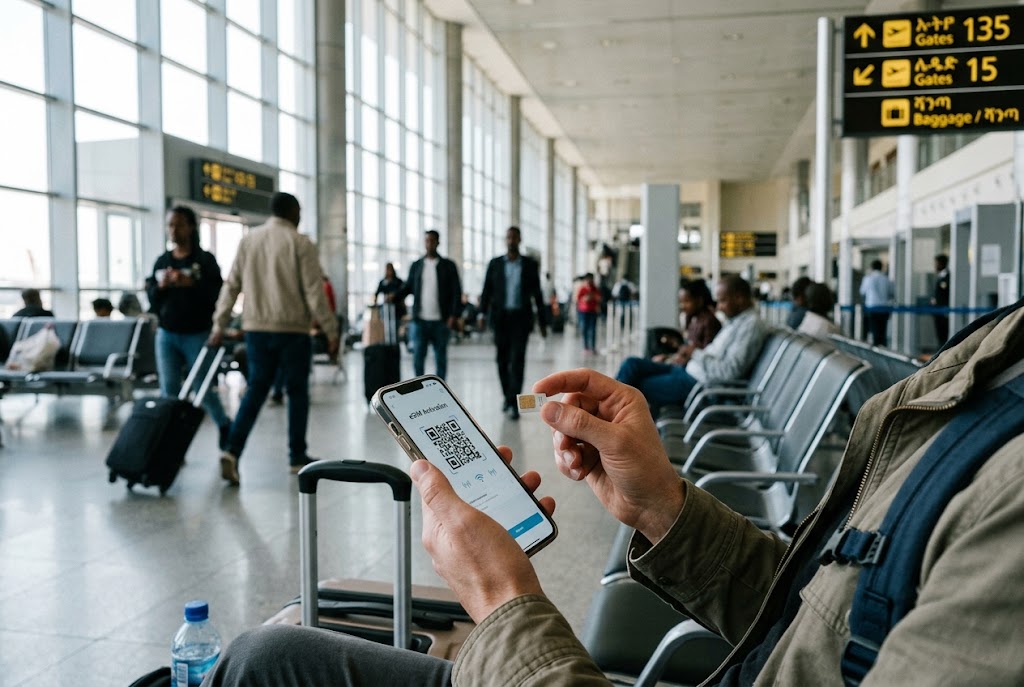
Staying connected in Africa requires a different approach than in Europe or North America. Mobile infrastructure varies widely between countries. Some nations have fast, reliable networks. Others have coverage gaps, registration hurdles, and occasional shutdowns. The eSIM vs Physical SIM decision matters more here than almost anywhere else.
An eSIM is a digital SIM built into your phone. You install it by scanning a QR code, no plastic card required. A physical SIM is the traditional card you insert into your phone’s tray.
Both work in Africa. But they offer very different experiences. This guide compares them across the factors that matter most for travel: setup, cost, coverage, flexibility, and reliability. It includes specific information for Ethiopia, where the telecom market has unique rules and both options have trade-offs.
How eSIM and Physical SIM Work Differently
The core difference is physical versus digital.
A physical SIM is a small chip you buy from a local carrier. You insert it into your phone. It carries your phone number and connects you to that carrier’s network. To switch carriers, you remove the card and insert a new one.
An eSIM (embedded SIM) is a chip soldered into your phone. It works the same way as a physical SIM, but you activate it by downloading a profile. You can store multiple eSIM profiles on one phone and switch between them in settings. No card to lose, no tray to open.
Most phones released since 2019 support eSIM. This includes iPhone XS and newer, Google Pixel 3 and newer, and many Samsung Galaxy models. To check your phone, dial *#06#. If an EID number appears, your device supports eSIM.
Your phone must also be carrier-unlocked. If it is locked to your home network, neither option will work with a local provider.
Setting Up: Airport Queues vs Instant Activation
Setup is where the two options diverge most sharply.
Physical SIM setup requires visiting a store or kiosk. In Ethiopia, you must register the SIM with your passport. The process involves filling out forms, presenting identification, and waiting for activation. At Bole International Airport in Addis Ababa, counters exist for both Ethio Telecom and Safaricom. But queues can be long, especially after international arrivals.
eSIM setup happens before you travel. You buy a plan online, receive a QR code by email, and scan it while you have reliable Wi-Fi at home. When you land, you turn on the eSIM line and enable data roaming. You are online within seconds.
For travelers arriving after long flights, the eSIM advantage is significant. No language barriers. No paperwork. No hunting for a store.
Cost: What You Actually Pay
Cost comparison is not straightforward. It depends on your data needs and how long you stay.
Physical SIMs often offer better value for long stays. A local Ethio Telecom SIM with a monthly data package can cost a fraction of what you would pay for equivalent eSIM data. If you are staying for months, a local line is usually cheaper per gigabyte.
eSIMs cost more per gigabyte, but they include convenience. Ethiopia eSIM plans range from about $5 for 1 GB to over $50 for larger packages. You pay for the ease of activation and the ability to install before you fly.
For short trips of one to two weeks, the difference is small. For stays of a month or more, a physical SIM from a local carrier usually wins on price.
International roaming on your home SIM is almost always the most expensive option. In Ethiopia, roaming costs can reach $2 per megabyte for data and nearly $3 per minute for calls. Avoid this unless your home plan includes specific Africa coverage.
Coverage and Speed: What to Expect in Africa
Coverage varies enormously across the continent. In cities, 4G is common. In rural areas, you may drop to 3G or lose signal entirely.
Ethiopia is a useful case study. Ethio Telecom has the widest coverage, reaching about 82% of the population with 4G. Safaricom Ethiopia covers about 60% of the population, concentrated in cities. Realistic 4G speeds in Addis Ababa sit between 10 and 25 Mbps on a good day, dropping during evening congestion.
Outside the capital, coverage thins quickly. National parks and remote highlands may have no signal. Download offline maps before you travel.
The key point for the eSIM vs physical SIM decision: coverage depends on the network, not the SIM type. An eSIM roaming on Ethio Telecom has the same coverage as a physical Ethio Telecom SIM. The difference is only in how you activate it.
Phone Number and SMS: The Hidden Trade-Off
This is where physical SIMs have a clear advantage.
Travel eSIMs are typically data-only. They do not come with a local phone number. You can use WhatsApp, Telegram, and other messaging apps for calls. But you cannot receive SMS verification codes from your bank, airline, or other services on the eSIM line.
For many travelers, this matters. Two-factor authentication codes often arrive by SMS. Hotel bookings may require a phone number. Local calls to guesthouses or tour operators are easier with a local number.
A physical SIM gives you a local number. You can make calls, send SMS, and receive verification codes. Ethio Telecom’s tourist plans include call minutes and SMS alongside data.
The workaround for eSIM users is to keep your home SIM active in the physical slot. Your home number receives SMS codes, while the eSIM handles data. This works on dual-SIM phones. Just remember to turn off data roaming on your home line to avoid charges.
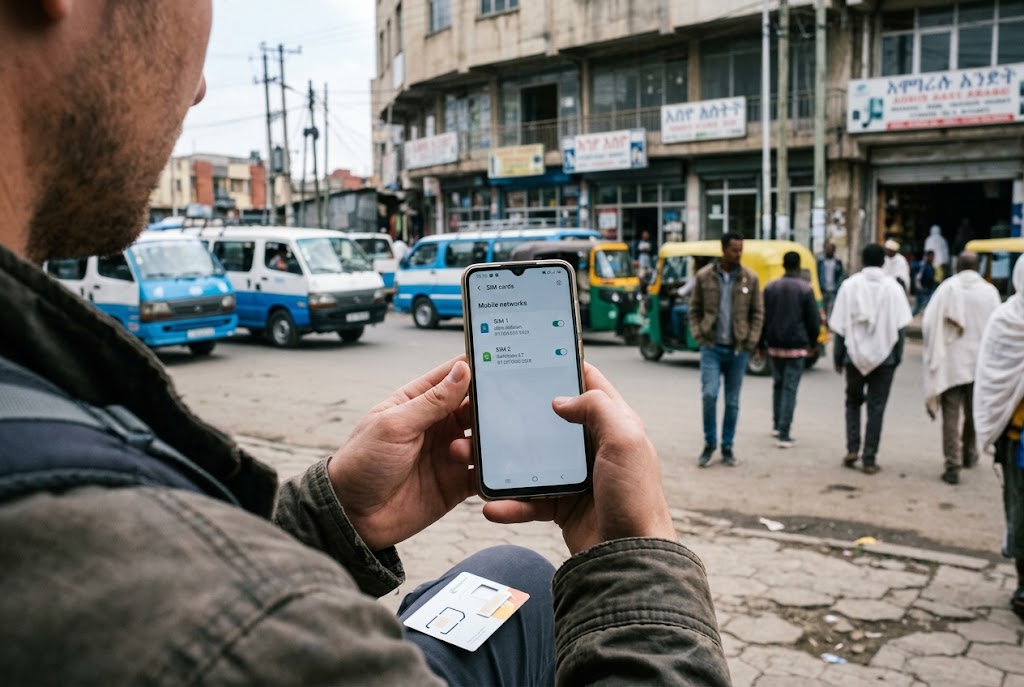
Ethiopia-Specific Considerations
Ethiopia has rules that affect both options.
SIM registration is mandatory. Whether you buy a physical SIM from Ethio Telecom or Safaricom, you must present your passport and register the line. There is no way around this at the counter. Travel eSIMs you install yourself are already compliant through the provider, which is why they are the faster route for visitors.
Network shutdowns affect both options. Ethiopia has periodically imposed mobile data shutdowns in certain regions for security reasons. When this happens, both local SIMs and eSIMs roaming on Ethiopian networks are cut off. No provider can route around a shutdown. This is not a reason to choose one option over the other. It is a reason to prepare offline.
Ethio Telecom sells eSIM lines at its stores and at Bole International Airport. This is an option if you want a local number on an eSIM. You still need passport registration.
When to Choose eSIM
Choose eSIM if:
- You want to be online immediately after landing
- Your trip is short (one to two weeks)
- You are visiting multiple countries and want one profile for the region
- You prefer to avoid queues and paperwork
- Your phone supports eSIM and is carrier-unlocked
For multi-country Africa trips, regional eSIM plans can cover several nations on one profile. This eliminates the need to buy a new SIM at every border.
When to Choose Physical SIM
Choose a physical SIM if:
- You are staying for a month or more
- You need a local phone number for calls or SMS
- You want the lowest cost per gigabyte
- You are traveling to countries where eSIM support is limited
- You want a backup option in case your eSIM fails
In Ethiopia, a physical Ethio Telecom SIM with a monthly data package offers the best value for long stays. The registration process takes time, but the cost savings add up.
The Hybrid Approach: Best of Both
Many experienced travelers use both options together.
Keep your home SIM in the physical slot for calls, SMS, and verification codes. Install an eSIM for data. This gives you a local number on your home line (for important messages) and affordable data on the eSIM.
On a dual-SIM phone, you can set the eSIM as your data line and the physical SIM for voice and SMS. Turn off data roaming on the physical line to avoid charges.
If you need a local Ethiopian number, buy a cheap physical SIM from Ethio Telecom and use it alongside your eSIM. You can switch between them in settings.
Quick Tips
- Check eSIM compatibility before buying a plan. Dial *#06# to see if your phone has an EID number. If it does, your device supports eSIM.
- Install your eSIM before you leave home. You need reliable Wi-Fi to scan the QR code. Airport Wi-Fi in Africa can be slow or unavailable.
- Keep your home SIM active for SMS codes. Two-factor authentication messages will not arrive on a data-only eSIM. Leave your home line enabled for calls and texts.
- Download offline maps for every country you visit. Coverage gaps are common outside major cities. Google Maps and Maps.me work offline once downloaded.
- Verify current prices and registration rules before you travel. Telecom regulations and package prices change frequently in African markets.
Frequently Asked Questions
Which is better for Africa travel: eSIM or physical SIM?
It depends on your trip. An eSIM is better for short trips and convenience, offering instant activation without queues. A physical SIM is better for long stays, local phone numbers, and lower cost per gigabyte. Many travelers use both together.
Can I use an eSIM in Ethiopia?
Yes. Several providers sell Ethiopia eSIM plans that roam on Ethio Telecom or Safaricom networks. You install the profile before you travel and activate it on arrival. Note that eSIMs are data-only, so you will not get a local Ethiopian phone number.
Do I need to register an eSIM in Ethiopia?
No. Travel eSIMs you buy from international providers are already compliant. If you buy an eSIM directly from Ethio Telecom, you will need to register it with your passport, just like a physical SIM.
About The Author